


Renaming a domain on your hosting can be useful in several situations. For example, you made a typo when adding the domain and want to correct it. Maybe you have a new idea for your website’s address, or you are rebranding and need a new name.
Remember: to use a different domain name, it must be registered and pointed to your hosting through the appropriate DNS servers.
To rename a domain:
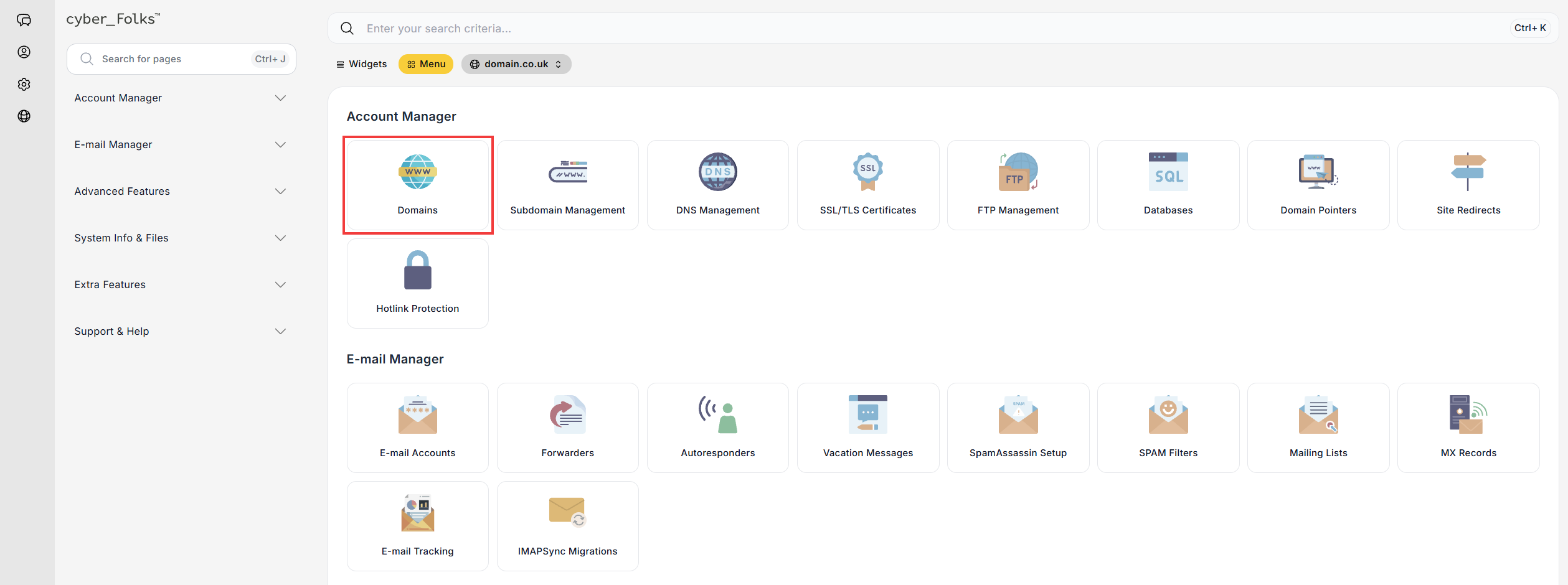
- Log in to your hosting panel: Log in to your new hosting service
- Click the Domains option.
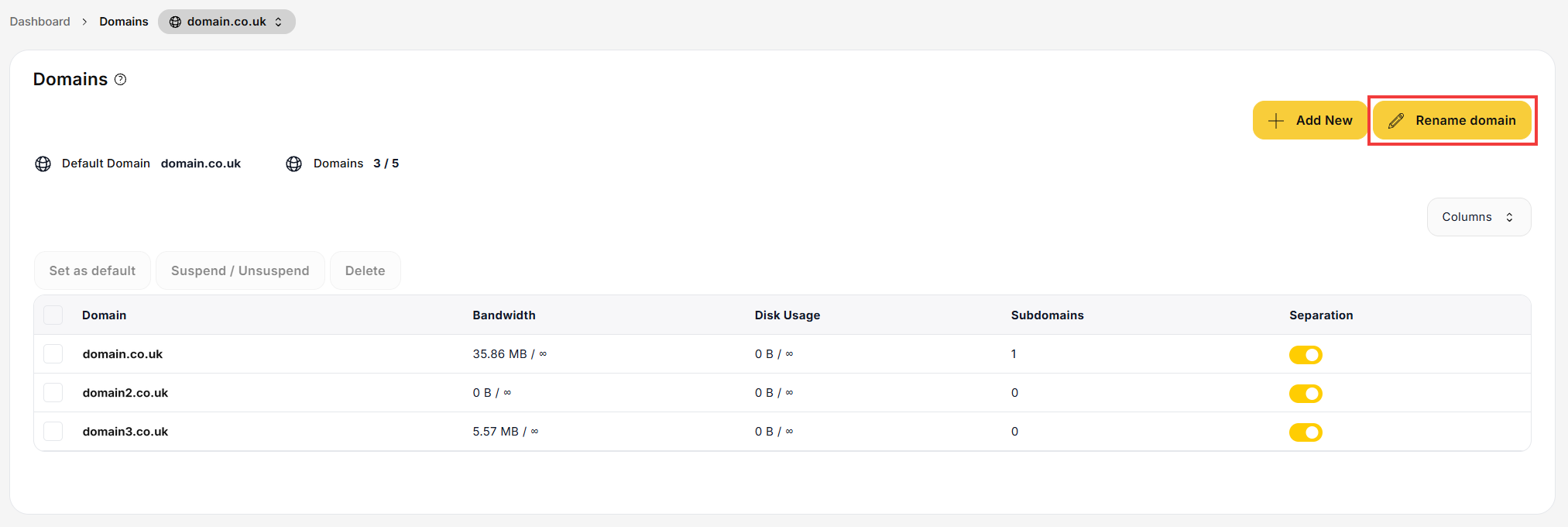
- On the next screen, click the Rename domain button.
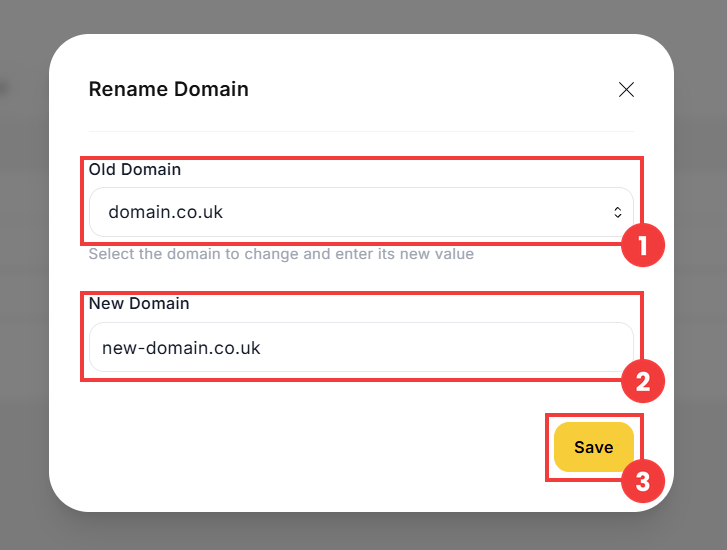
- The domain rename form appears. Select the domain you want to rename from the Old Domain list (1), then enter the new domain name in the New Domain field (2). Confirm the change with the Save button (3).
 Good to know! Once you are logged in to the panel, you can also ask our assistant robo_Folks for help – it can perform many operations for you.
Done! The domain has been renamed.
Note: renaming a domain does not automatically change your website’s configuration. You may need to update the new address manually in its settings.
