


Domain transfer
Tired of having domains scattered across multiple inconvenient panels. Tired of mediocre service? Come over to us! With us, contacting support is a pleasure - fast response, concrete solutions and a team that really knows its stuff.

250,000+
EU customers trust us
Reliable domains. Expert support. Real peace of mind.

4.8/5 on Trustpilot
Based on customer reviews
How likely are you to recommend us?
We ask our customers this question over 70,000 times every month across Europe. Every response matters. When something goes wrong, our customer service team is notified within 0.2 seconds, so we can act quickly and improve your experience. That’s how we turn customer feedback into better service.
I have very few skills in this area, but the assistant made the difference – I managed to solve the issues I had trouble with.
We change the registrar,
not your address
PrestaShop is part of the cyber_Folks group, so we see every day what an hour offline means for a merchant: abandoned carts, unanswered emails, lost trust.
A domain transfer is like changing the landlord without moving the shop. The sign over the door stays. The keys stay. Only the name on the lease changes. But if the new landlord forgets to copy one single key – your MX record – your mailbox goes silent and order confirmations stop reaching your buyers.
This is why we do the boring part properly. Easy to start, hard to break.
What usually goes wrong
during a transfer – and how we prevent it
| What can go wrong | What we do about it |
|---|---|
| Your DNS zone disappears when the old registrar releases the domain | We check your current A, MX, CNAME and TXT records before the switch, so the new zone matches the old one record for record. |
| Your email goes quiet the morning after | MX, SPF, DKIM and DMARC records move with your domain. Order confirmations and invoices keep landing in inboxes – not in spam. |
| Your .fr transfer gets stuck | A .fr transfer goes through quickly once your current registrar confirms it. We tell you exactly what to check and whom to nudge. |
| You lose the months you have already paid for | For global domains, the transfer usually includes a 1-year renewal. The new year is added to your current expiry date, so your paid time stays yours. |
| Your domain expires while nobody is watching | Auto-renewal and reminders well before the expiry date. Your address never ends up on someone else’s shopping list. |
| Someone hijacks your domain | Transfer lock plus two-factor authentication on your account. An auth code alone is not enough to take your domain away. |
Why merchants move their domains to cyber_Folks
Zero downtime, zero lost orders
Your website and email keep working during the whole transfer, because we move the registrar, not your DNS records. Your checkout won’t even notice.
Not a single paid day lost
For .com, .net and other global domains, the transfer usually comes with a 1-year renewal. The new year is added to the time you have already paid for – you extend your runway instead of paying twice.
.fr without the headache
For French shoppers, .fr is the address they trust first. We know the .fr transfer process inside out: the confirmation email, the role of your current registrar and what to do when things take longer than they should.
Locked against hijacking
Your domain is your brand, your SEO history and your mailbox in one. Transfer lock and 2FA keep it where it belongs – with you – even if someone gets hold of your password.
Support that speaks e-commerce
We are the team behind PrestaShop. When you write to us about a domain, you talk to people who know what a store needs to keep selling – not just how DNS works.
One step from PrestaShop hosting
Not only does your domain move safely, but it can also land right next to your store. Point it to our PrestaShop hosting with cyber_Boost in a few clicks: one invoice, one support team, one place to look when something needs fixing.
How do you transfer
your domain to us?
The whole transfer takes about 5 minutes of your work. The rest is paperwork between registrars – and your store keeps selling the whole time.
One tip from experience: don’t change your DNS servers on the day of the transfer. First move the domain, then – calmly – the services.
-
Check your domain
Make sure it is active, not about to expire and that you can access the owner’s email address.
-
Unlock it
Remove the transfer lock in your current registrar’s panel.
-
Get the auth code
Copy the authorisation code, also called EPP code or AuthInfo.
-
Save your DNS records
Note your A, MX, CNAME and TXT records – or ask robo_Folks to check them for you.
-
Order the transfer
Enter your domain and the code in the form at the top of this page, then pay for the order.
-
Confirm by email
Click the confirmation link you receive to approve the transfer.
-
Keep selling
Your website and email keep working. Once the transfer is complete, the domain appears in your cyber_Folks panel.
Launching a new store?
Start with a new address
A transfer is for the address you already have. But if you are launching a new brand, opening a second store or want to protect your name in other extensions, go for domain registration at cyber_Folks.
Check in seconds whether your name is available as .fr, .com or .eu – and keep all your domains in one panel, right next to the ones you have just moved.
Tip: register the variants of your name too – with and without a hyphen, as .fr and .com – and redirect them to your main domain. That way, no competitor can catch traffic meant for you.

Not sure your DNS will survive the move?
Ask us before you start – we are always happy to talk about domains. You can reach us:
- through the chat on this page,
- by sending us a message from the Contact page,
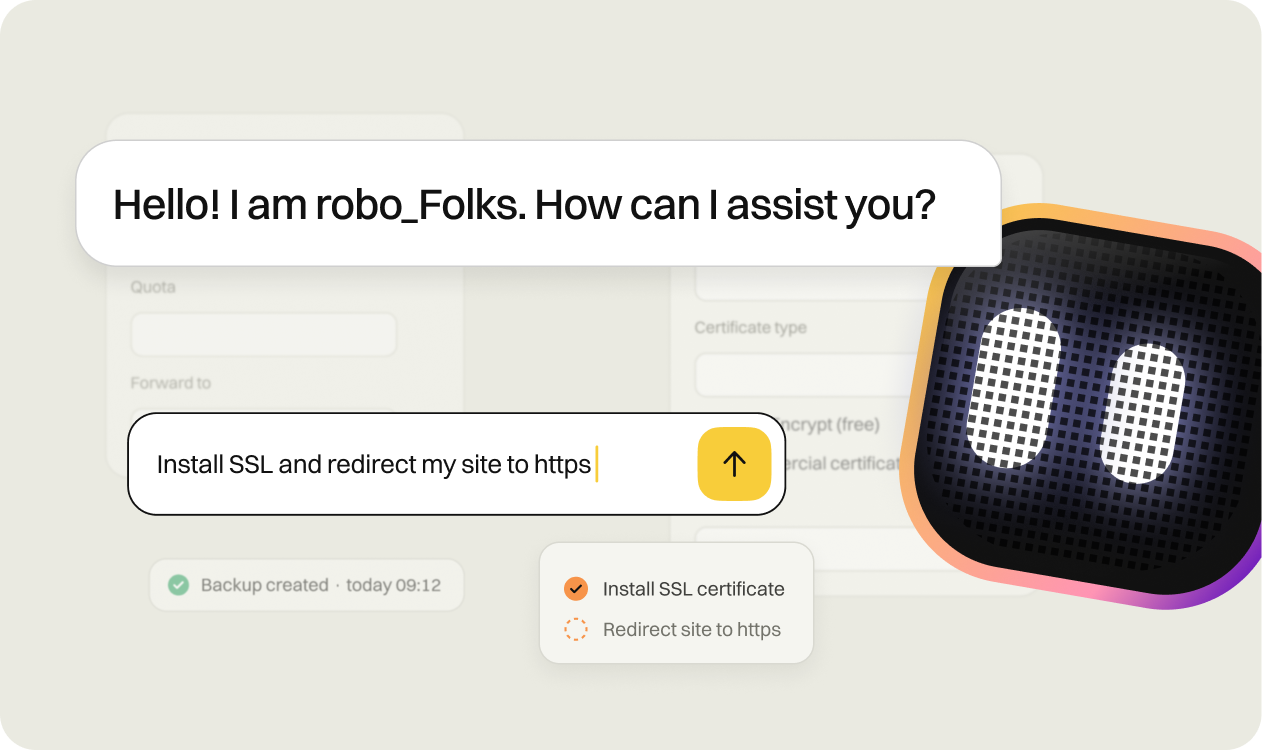
- through the chat in your control panel, where robo_Folks, our AI assistant, can check your domain’s DNS records for you right away.
Learn how to manage your domain
— step by step.
How do I edit DNS records?
A, CNAME, MX, TXT — change any record from your control panel.
Check →
How do I change the DNS servers for domains registered with CyberFolks.pl?
Point your domain to an external hosting provider.
Check →
How can I transfer my domain to you?
Move from another registrar without losing any paid-for time.
Check →
How can I redirect a domain in several ways
301, frame redirect, or URL masking — several ways explained.
Check →
Same address. New registrar.
No interruptions.
Not only will your domain move without a minute offline, but you will also get a team that knows e-commerce from the inside. Finding your auth code takes about 2 minutes. Start today – your next order shouldn’t wait for paperwork.


Domain transfer – frequently asked questions (FAQ)
A domain transfer moves the management of your domain from one registrar to another – for example to cyber_Folks – without changing its owner. You keep the same name, the same registrant details and, if you wish, the same DNS records. Only the company that renews and protects your domain changes.
You register a domain when the name is still available and nobody holds it. You transfer a domain when it is already yours, but managed by another company, and you want to move it to us. A transfer doesn’t create a new domain: your address, your history in search engines and your email stay exactly the same.
No, as long as your DNS records stay in place. A transfer changes the registrar, not the records that point your domain to your server and your mailbox.
The risk appears only when your old registrar also hosts your DNS zone and deletes it once the domain leaves. This is why we check your A, MX, CNAME and TXT records before the switch – so your store and your order confirmations keep working.
It depends on the extension. A .fr transfer goes through quickly once your current registrar confirms it. For .com, .net and other global domains, the transfer usually takes from 5 to 7 days. For other country-code domains, it depends on the registry and can take anything from a few minutes to several days.
Get the authorisation code (also called EPP code or AuthInfo) from your current registrar and make sure the domain is unlocked. Then enter the domain and the code in the form at the top of this page and pay for the order. Finally, click the link in the confirmation email to approve the transfer.
No. For global domains, the transfer is usually combined with a 1-year renewal, as required by the central registries for these extensions. The new year is added to your current expiry date, so the months you have already paid for stay yours. For country-code domains such as .fr, the rules depend on the registry – you will see the details for your extension in the transfer form.
A transfer changes the registrar, i.e. the company that manages and renews your domain. Changing the DNS servers (the domain’s delegation) changes where your domain points – to which website, store or mailbox. You can do one without the other. Our advice: transfer the domain first, then move your services at your own pace.
Of course. You can keep your website wherever it is today and move only the domain. When you are ready, you can point it to our PrestaShop hosting with cyber_Boost in a few clicks – domain and store under one roof, with one support team.
Strictly speaking, you don’t buy a domain – you register it and become its holder for a set period, usually one year. In practice, though, you have full control over it: you can renew it, sell it, hand it over to someone else or transfer it to another registrar whenever you like. Moving it to us is simply you exercising that right.
Because we see every day what downtime means for a merchant. PrestaShop is part of the cyber_Folks group, so continuity isn’t a feature for us – it is the whole job. When your domain is the front door to your checkout, you want it looked after by people who know what is at stake.